
Content
The board is the lesson
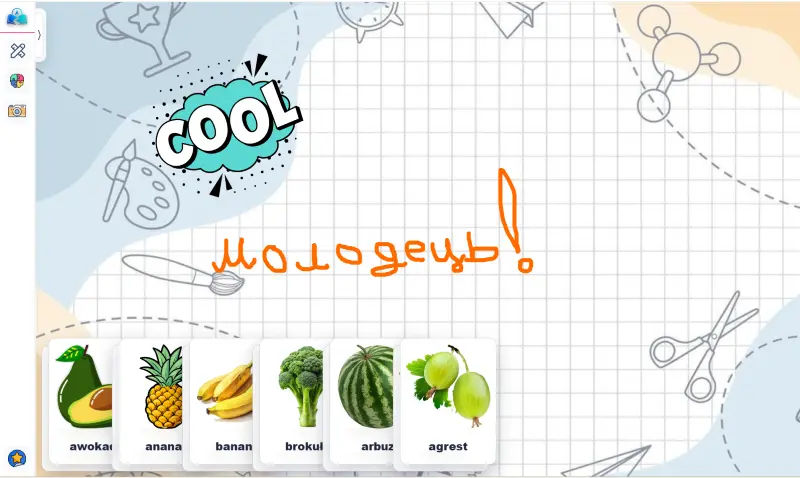
Every Lernavio lesson happens on one interactive board: content, drawing tools and game mechanics in a single canvas, organised into tabs.
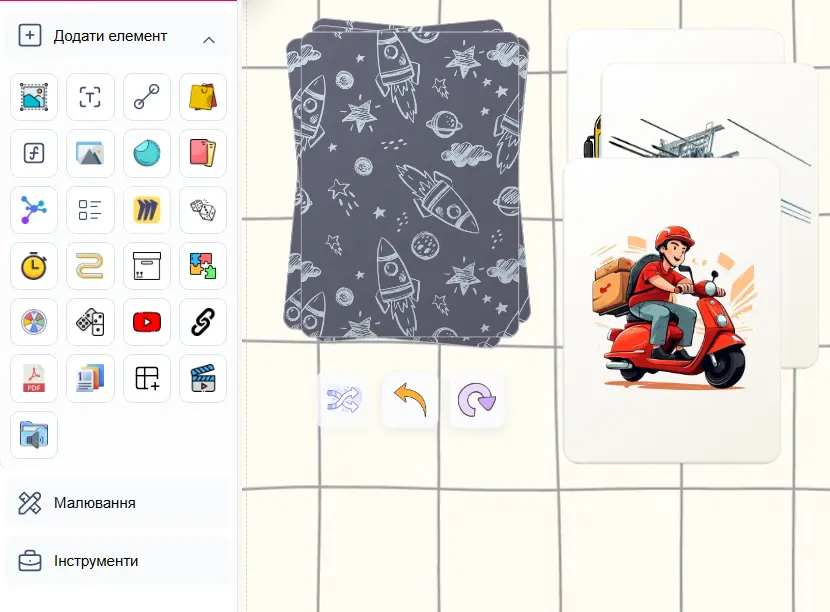
25 things you can put on the board
- Image
- Text block
- Note
- Formula
- Wallpaper
- Sticker
- Card
- Set
- Task
- Dice
- Timer
- Conveyor
- Container
- Puzzle
- Choice wheel
- Domino
- Paired dots
- YouTube video
- Link
- PDF file
- Presentation
- Table
- Video
- Audio
Interactive mechanics
Games built into the board
Containers, card decks, domino, puzzle, choice wheel, dice, timer, conveyor, paired dots, find-a-pair, crossword, magnet, ropes, petals and colouring — all placeable on the same board as your content.
Drawing & geometry
A full drawing toolkit
Pencil, marker, eraser, fill, line, arrow, rectangle, circle, multiline, numbering, palette, grid and layers, plus geometry tools for arcs, circles, angles and angle measurement.
During the lesson
Tools for the live moment
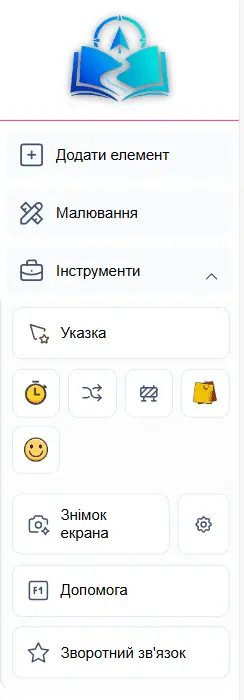
Pointer with glow, curtain, shuffle elements, emotion stickers, show-answers, restart and screenshot — plus board export to PNG or PDF from the screenshot tool's save-format setting.
PNG/PDF export is a save-format setting of the screenshot tool, not a separate "export board" feature.
How a lesson runs
The board carries the lesson from build to replay.
-
Build the lesson
Add elements to the board and attach materials from your libraries.
-
Teach live
Share a guest link or invite. Choose the built-in video provider, Zoom or Google Meet.
-
Assign homework
Assign tasks from the library and track them on the student card.
-
Replay the snapshot
The finished lesson stays as a read-only board for tutor and student.
Ready to put your first lesson on the board?
Create your first lesson and invite a student in minutes.