Interactive board
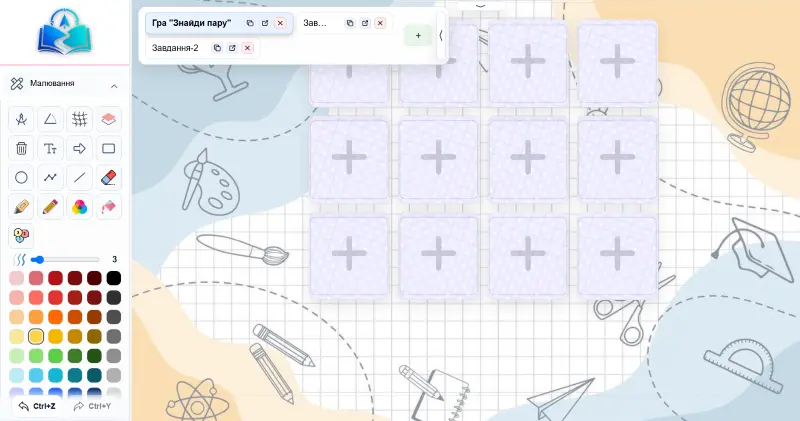
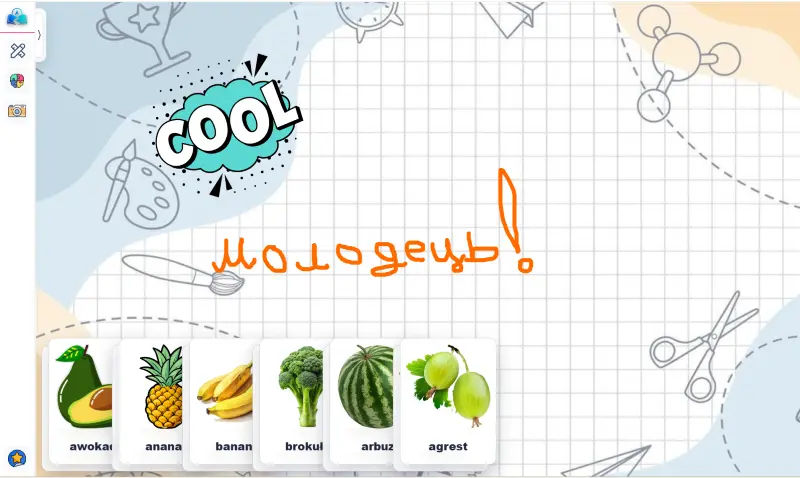
25 element types, drawing tools and game mechanics on one lesson canvas.
Learn more
Lernavio is a teaching workspace built around an interactive lesson board. Plan lessons, attach materials, assign homework and keep every finished lesson as a replayable snapshot.
Build with
Workspace
25 element types, drawing tools and game mechanics on one lesson canvas.
Learn moreCards, stickers, sets, images, PDFs, presentations, video and audio, with tags.
Learn moreDay, week and month views, guest links, and a student card per learner.
Learn moreAssign from a library of tasks and check answers in the saved snapshot.
Learn moreFifth — video calls: a live lesson without third-party links
Navigate
Build it once, teach on it, keep it.
Add elements to the board and attach materials from your libraries.
Share a guest link or invite. Choose the built-in video provider, Zoom or Google Meet.
Assign tasks from the library and track them on the student card.
The finished lesson stays as a read-only board for tutor and student.
Keep
After the lesson ends, it is saved as a snapshot that both tutor and student can return to. The student can continue working with the materials, make changes and save their progress, and most interactive exercises can be retaken.
Reuse
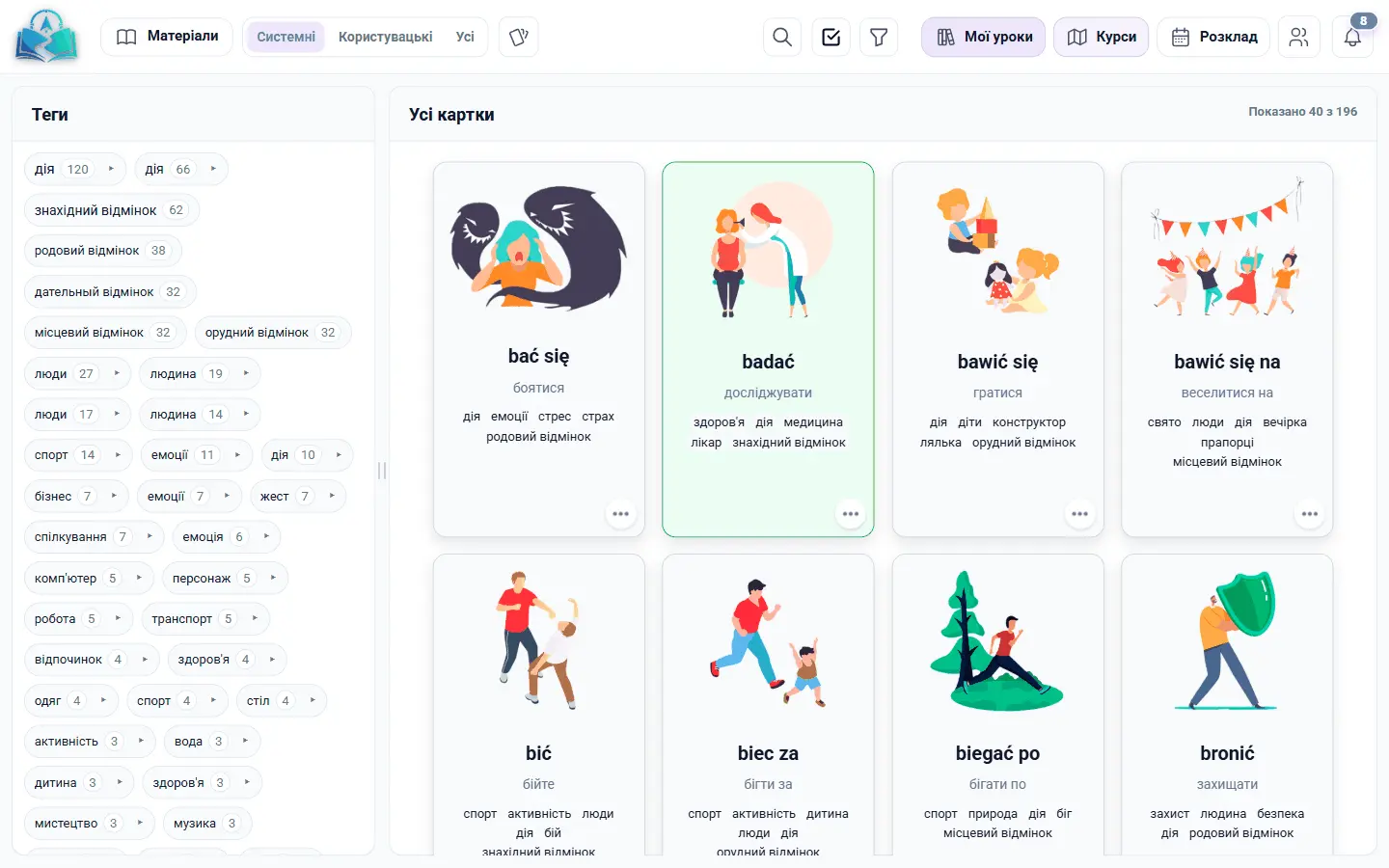
Cards, stickers, sets, images, PDFs, presentations, video and audio — tagged and split into system and your own content, ready to drop onto any lesson.
For schools
A school space organises staff and students into branches, directions, classes and students, with roles for administrators, teachers, staff and operators. Teachers keep their personal cabinet while belonging to a school.
Find students
Lernavio is a teaching workspace first: you can work only with your own students, who join by guest link or invitation. If you also want new students, an optional tutor marketplace lists public profiles with filters, ratings, reviews and service tags. You set your own lesson and package prices; Lernavio handles payments and payouts.
Questions
No. Lernavio runs entirely in the browser for both tutor and student.
No. Marketplace is an optional channel. You can work only with your own students: invite them via a guest link, send a registration invitation, or create the student's account in Lernavio yourself.
With your own students, you arrange payment yourself. In the Marketplace, you set your own lesson and package prices, and if the platform handles payment, Lernavio accepts the payment from the student and calculates your payout. On the Tutor plan and above, direct payment from the student is available.
Create your first lesson and invite a student in minutes.